Need an Instagram photo downloader that works without an account? SaveInsta saves photos from public posts, including single pictures and carousels. Copy the link, paste it and download the image file. It runs in your browser on Android, iPhone and PC.
Photos are different from videos. A post may hold one picture or up to many, and you may want only one of them. This page explains how to download Instagram photos, how an Instagram carousel download works, which size to expect and how to use pictures with respect.
How to download Instagram photos
Here is the short method.
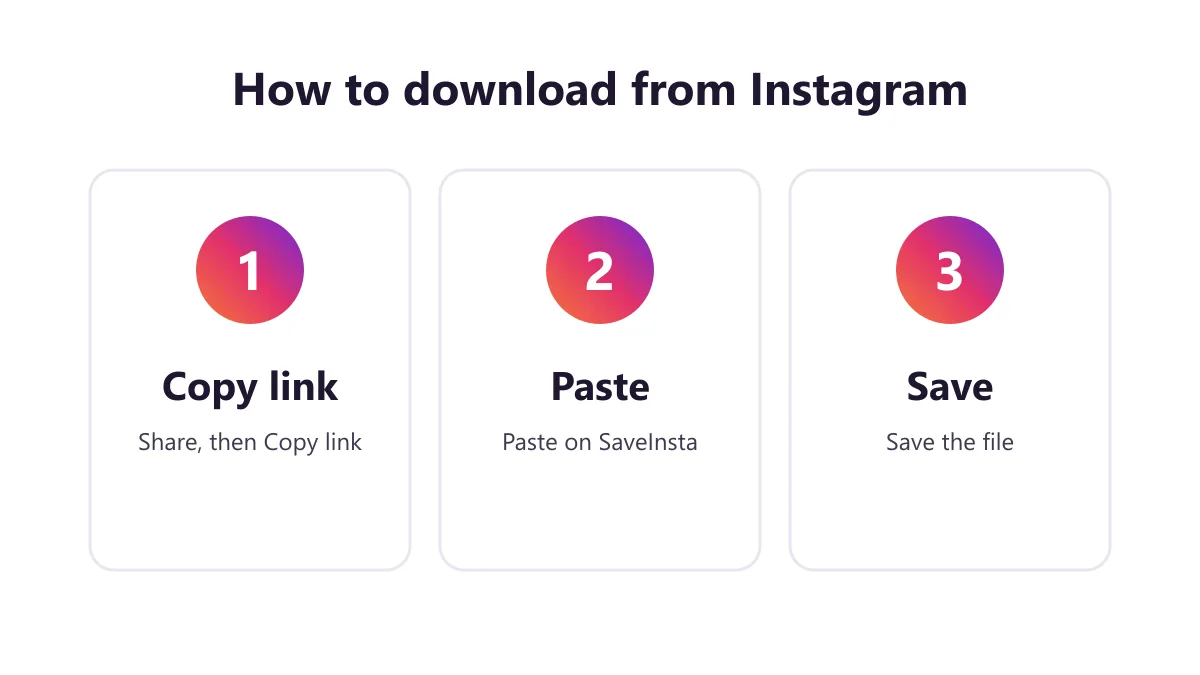
1. Copy the photo post link
Open the public post in Instagram and tap the Share icon or the three dots. Choose Copy link. On a computer, copy the post address from your browser. Use the link of the post itself, not the link of the profile.
2. Paste it into SaveInsta
Paste the link into the box on this page and press the download button. The tool reads the public post and shows what it found. For a carousel, you may see several items in a row.
3. Save the photos you want
Tap the download button under each photo. Images are saved as common image files such as JPG. If a carousel has ten items, you can save one, a few or all of them. Do it one item at a time, then check your Downloads folder, the Files app or your gallery.
Photos, carousels and quality
HD for photos means the best quality Instagram keeps for the post, which is often up to 1080 pixels wide. We do not promise 4K or any special resolution. A photo cannot be sharper than the file the creator uploaded.
| Post type | What you get | Notes |
|---|---|---|
| Single photo | Image file | Best available size |
| Carousel | Several images | Save each one separately |
| Carousel with video | Images and MP4 | Video items may be silent if no audio track |
| Profile picture | Not the focus | May not be offered |
| Private post | Not available | Public posts only |
Some features may fail on certain posts, for instance when Instagram limits access. A carousel can mix photos and short videos. If a video item has no sound on Instagram, or Instagram gives no audio track, that file may be silent. Photos and carousels work too: each item saves separately, and all photos can be saved together as a ZIP. Stories are not supported yet.
Saving photos on Android, iPhone and PC
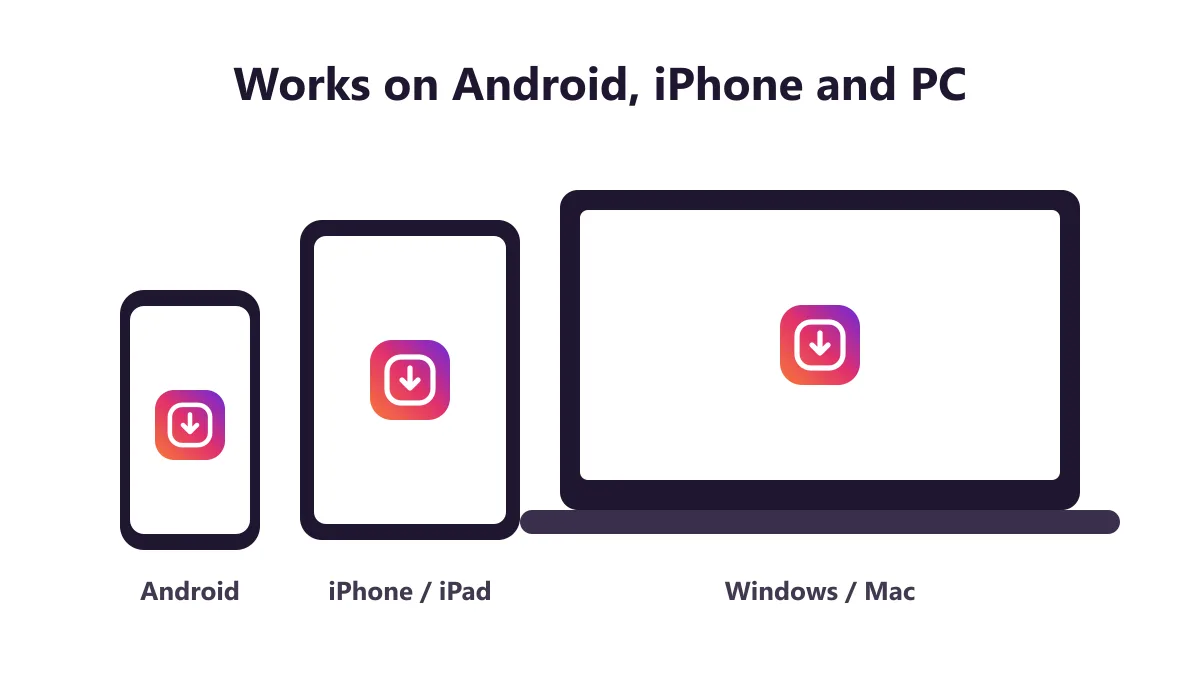
Android. Open SaveInsta in Chrome, paste the link and tap download for each photo. Pick Downloads if asked. You will find the pictures in Files and often in the gallery.
iPhone. Use Safari. After you tap download, open the Files app and find the image. Tap Share, then Save Image, to add it to Photos. For video items in a carousel, the menu shows Save Video.
PC. Use any modern browser. Click download and check your Downloads folder. If the picture opens in a new tab, right-click it and choose Save image as.
A few small tips help. If a post has many pictures, start with the first one and move right, so you do not miss an item. Give the saved files clear names, such as the date and place, because phone galleries fill up fast. And if you plan to print a photo, remember that Instagram keeps images at a limited size, so large prints may look soft.
Common uses
- Backing up your own photos, for example when your phone is full or you change devices.
- Saving carousel posts from your own shop or business to reuse in a catalog.
- Keeping pictures of an event you organized and posted yourself.
- Collecting reference images for a design, art or school project, with permission.
- Saving a photo that a friend shared with you and said you can keep.
- Storing a before-and-after set of your own work.
Most photos have an owner. Keeping a picture to look at later is one thing. Using it in an ad, a blog or a product is another, and it usually needs permission.
Safety and respecting creators
SaveInsta does not ask for your Instagram password. A photo downloader does not need it, so never type your login on such a site. It works with public posts only and stores no photos on its servers.
Do not trust pages that ask you to install extra software or turn on notifications. Keep your browser up to date.
Photographers and creators put effort into every picture. Credit them when you share, ask before you reuse and do not crop out names or watermarks. Downloading is not always legal, because rules depend on the picture and the country. If you are unsure, contact the owner.
Problems and fixes
- Link not working. Copy the post link again, not the profile link.
- Only one photo shows. The post may have one image, or a carousel may need a moment to load. Refresh and try again.
- Private account. Only public posts work.
- Post deleted. There is nothing left to save.
- Photo looks small. The original upload may be small. SaveInsta cannot enlarge it.
- A video item is silent. Some carousel videos have no audio track.
- Wrong image saved. In a carousel, check which item the download button belongs to before you tap it.
- Nothing saved on iPhone. Use Safari, then look in the Files app.
If you still cannot download, email [email protected] with the link.
More SaveInsta tools
Other pages on SaveInsta cover different content:
- The Instagram downloader home page gives a quick start for every kind of public post.
- The Instagram Reels downloader saves short vertical videos.
- The Instagram video downloader saves normal feed videos.
All of them use the same three steps. Copy a public link, paste it and save the file. Return to this Instagram photo downloader any time you want to keep a picture.